

TicketApp
MOBILE TICKET SALES ON BOARD
With the highQ TicketApp, you sell tickets directly on board – on standard Android tablets, onboard computers or ticket printers. Your drivers have the right tickets quickly at hand, while fare and sales data is reliably exchanged with your back-office systems.
Ticket sales that must not slow down operations
Drivers need a sales solution in their daily operations that is quick to understand and reliable. Rigid hardware, outdated fare data and manual post-processing in the back office make the process unnecessarily complex.
Proprietary devices are expensive and inflexible
Specialized sales hardware requires high investments and makes it difficult to replace or expand devices. Existing hardware should remain usable, while new devices should be easy to integrate.
The ticket offering must be immediately available
There is no time for lengthy searches on board. Drivers need a ticket overview tailored to the company and always up-to-date fare data.
Sales data must be securely transferred to the back office
After the end of a shift, sales data must be fully available in the back-office system without manual intermediate steps – as the basis for fare management, billing and analysis.
What you can do with the TicketApp
The TicketApp brings mobile ticket sales and integration with your system landscape together in one application.
Sell tickets on the go
Install the TicketApp on standard Android tablets and use it together with an industrial printer unit as a user-friendly sales system on board.
Continue using existing devices
The TicketApp can also be integrated into onboard computers and ticket printers from various providers. This allows you to continue using existing hardware and modernize it step by step.
Automatically provide up-to-date fares
After connecting to the back-office system and ITCS, the TicketApp automatically receives up-to-date fare data. Your drivers log in and can start selling immediately.
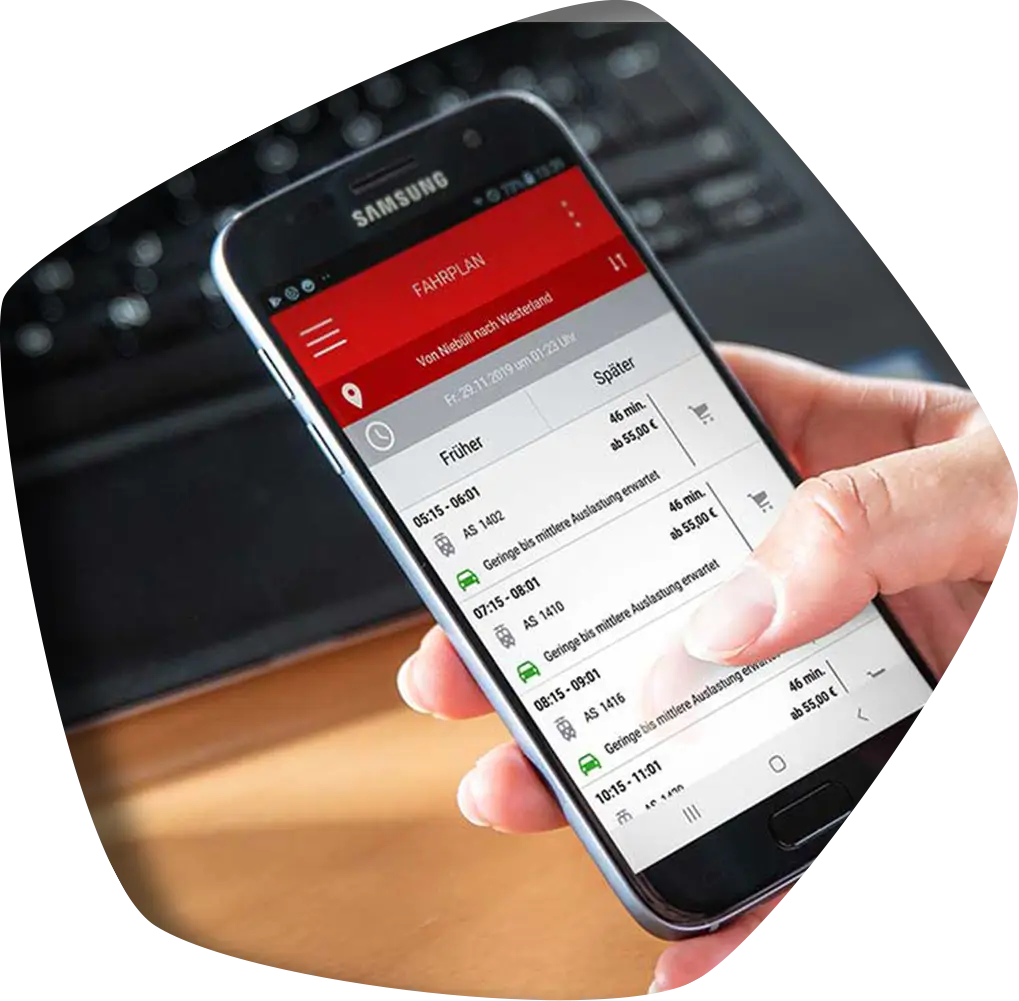
Display the ticket offering clearly
Organize tickets individually according to your company's requirements. This ensures that your drivers always have the relevant offers in view during sales.
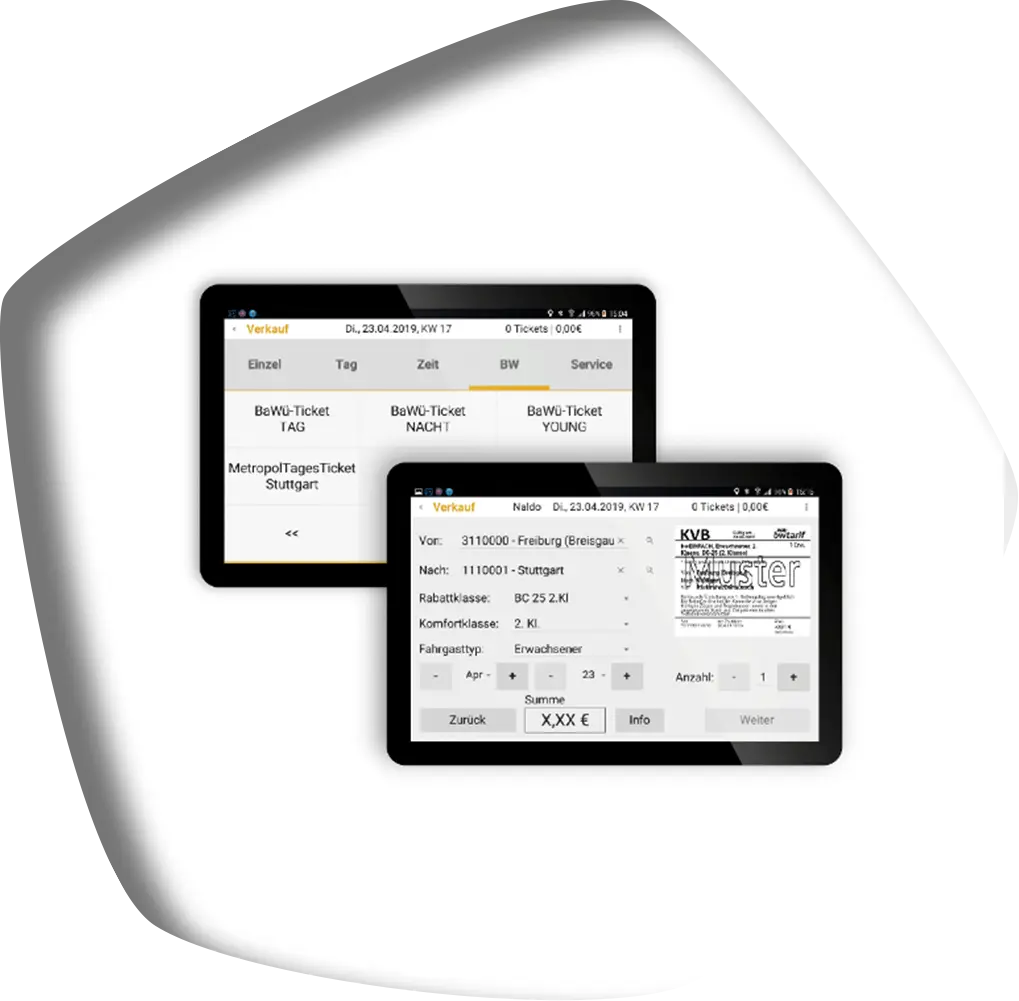
Design tickets yourself
With the ticket layout editor, you can create new ticket layouts or independently customize existing templates.
Automatically transfer sales data
After the end of a shift, the TicketApp automatically transfers the sales data to your back-office system. This keeps revenue and sales data up to date and available.
Recording of increased fares
In addition to mobile ticket sales, the TicketApp, in combination with protraQ, also supports the recording of increased fares (EBE).
What makes the TicketApp special
Can be used independently of hardware
Whether Android tablet, onboard computer or ticket printer: The TicketApp creates flexibility on board and reduces dependence on proprietary sales systems.
Open to your system landscape
Via the manufacturer-independent HUSST interface, the TicketApp communicates with your back-office system. Existing ITCS and back-office systems can also continue to be used.
Ready for digital tickets
If required, the TicketApp can be extended to include the eTicket Germany standard (VDV-KA and etiCore).
Connects sales and fare management
If required, you can combine the TicketApp with fare.logiQ – for end-to-end processing of sales data through to accounting and fare management.
Fits into your system landscape
The TicketApp can be flexibly integrated into your existing operations:
- Android tablets: Mobile ticket sales on standard devices
- Onboard computers and ticket printers: Integration into existing hardware from selected providers
- Industrial printers: Issuing tickets directly on board
- ITCS and back-office system: Automatic fare data provisioning and sales data transfer
- HUSST interface: Manufacturer-independent data exchange
- fare.logiQ: Optional connection to accounting and fare management
Interested in the TicketApp? We are happy to help!
We look forward to driving modern ticketing forward with you.